Chaos with Excel spreadsheets?
FORMULA
brings order.
Organize your life, your way.
Family projects
Home renovation, tasks, budgets, deadlines — everything in one place.
Household expenses
Track spending, split costs, plan monthly budgets with clarity.
Personal collections
Books, vinyl, cards, wine — catalog anything with custom fields.
Travel planning
Itineraries, bookings, budgets, documents — plan every detail.
Home inventory
Valuables, warranties, insurance deadlines — all tracked.
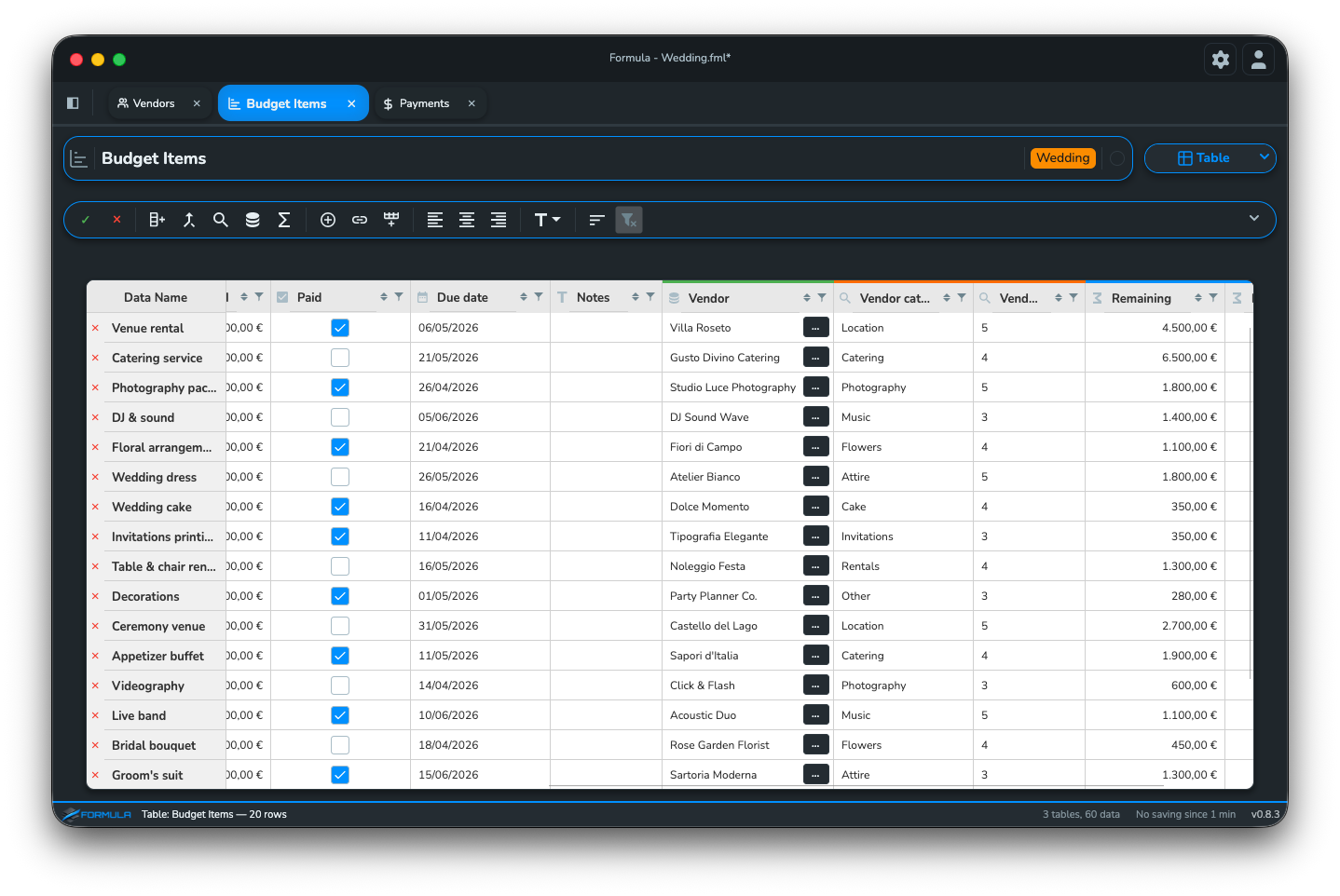
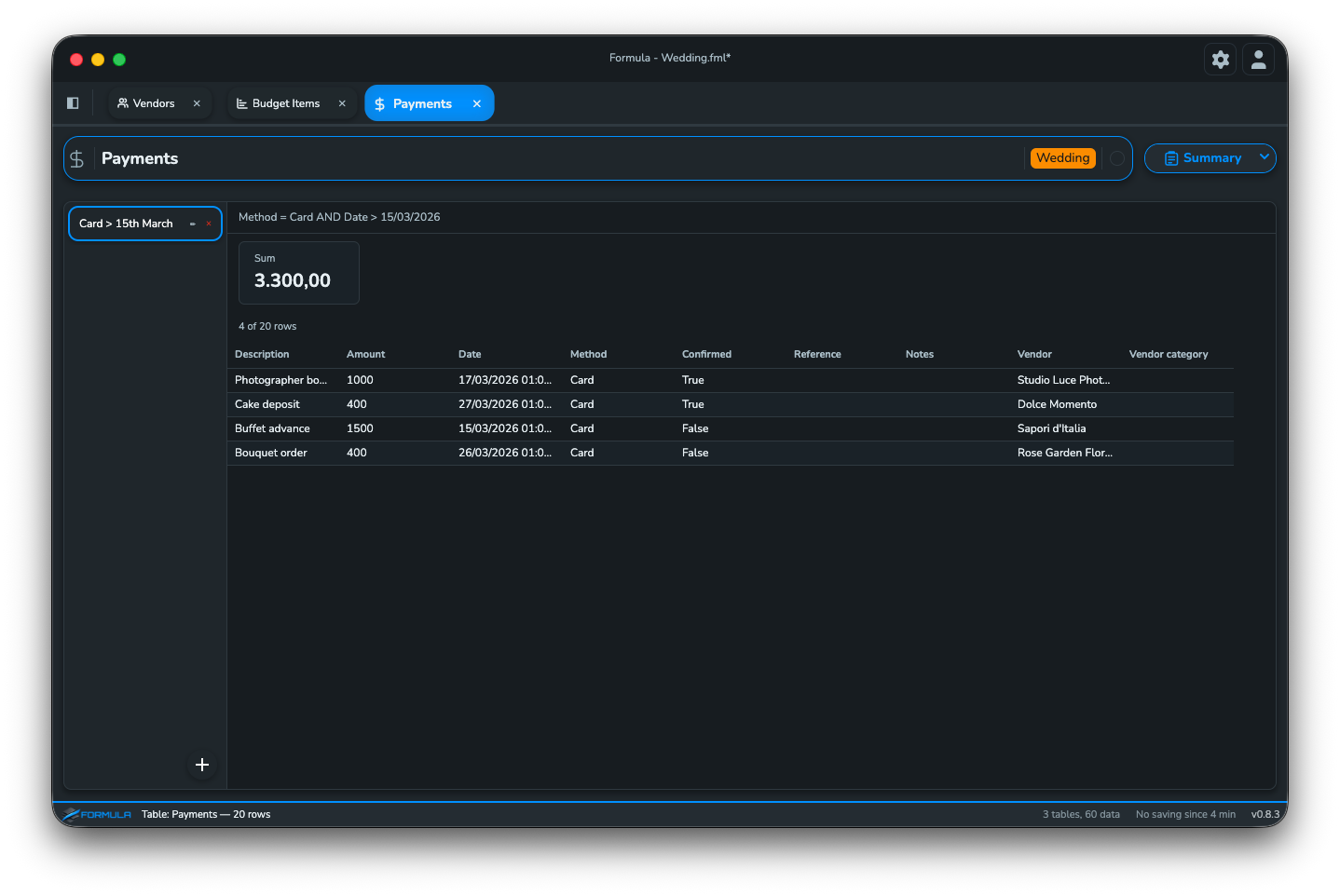
Wedding & event budget
Vendors, costs, payments, checklists — keep your big day on track.
Vehicle management
Services, insurance, fuel costs, deadlines — never miss a date.
Fitness & health
Workouts, weight, measurements, goals — track your progress.
Designed to make your life easier, not drive you crazy.
An interface that stays out of your way
No hidden toolbars, no endless menus. Everything you need is visible and one click away.
Column types ready to use
Dates, currencies, checkmarks, lists — pick the type and start typing. No manual formatting needed.
Edit inline, everywhere
Click a cell and type. Drag to fill. Select and copy. It works the way you expect — no surprises.
Start right away, no manual needed
Designed to be simple to use, fast, and complexity-free.
Structural capabilities
Formula's engine lets you link data across tables with extreme simplicity (VLOOKUP in Excel — ring a bell?).
Links between tables
The "Data" and "Property Lookup" columns connect tables.
A new concept of data structure, never seen before.
A touch more complexity, but extremely easy to understand.
FORMULA
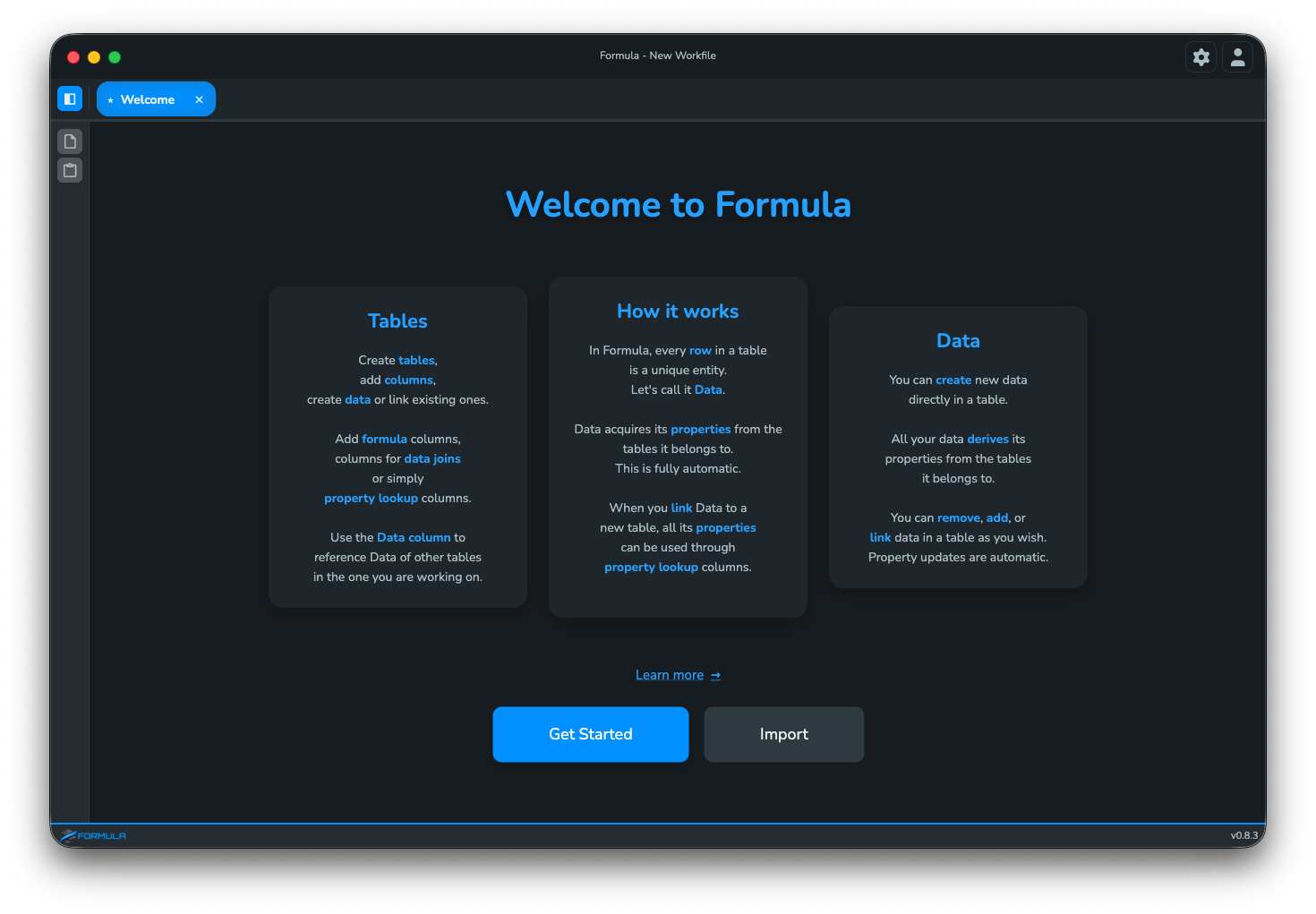
Formula is designed for people who want results, not complications. A clean interface, intuitive tools, and everything you need — at your fingertips.
A clean, powerful interface designed to get out of your way.
How it works
Formula guides you through a natural workflow — from your first table to a fully relational, formula-powered dataset.
First launch, login, and your first landing in Formula.
› Module 02 📋Templates, identity fields, and footer rows.
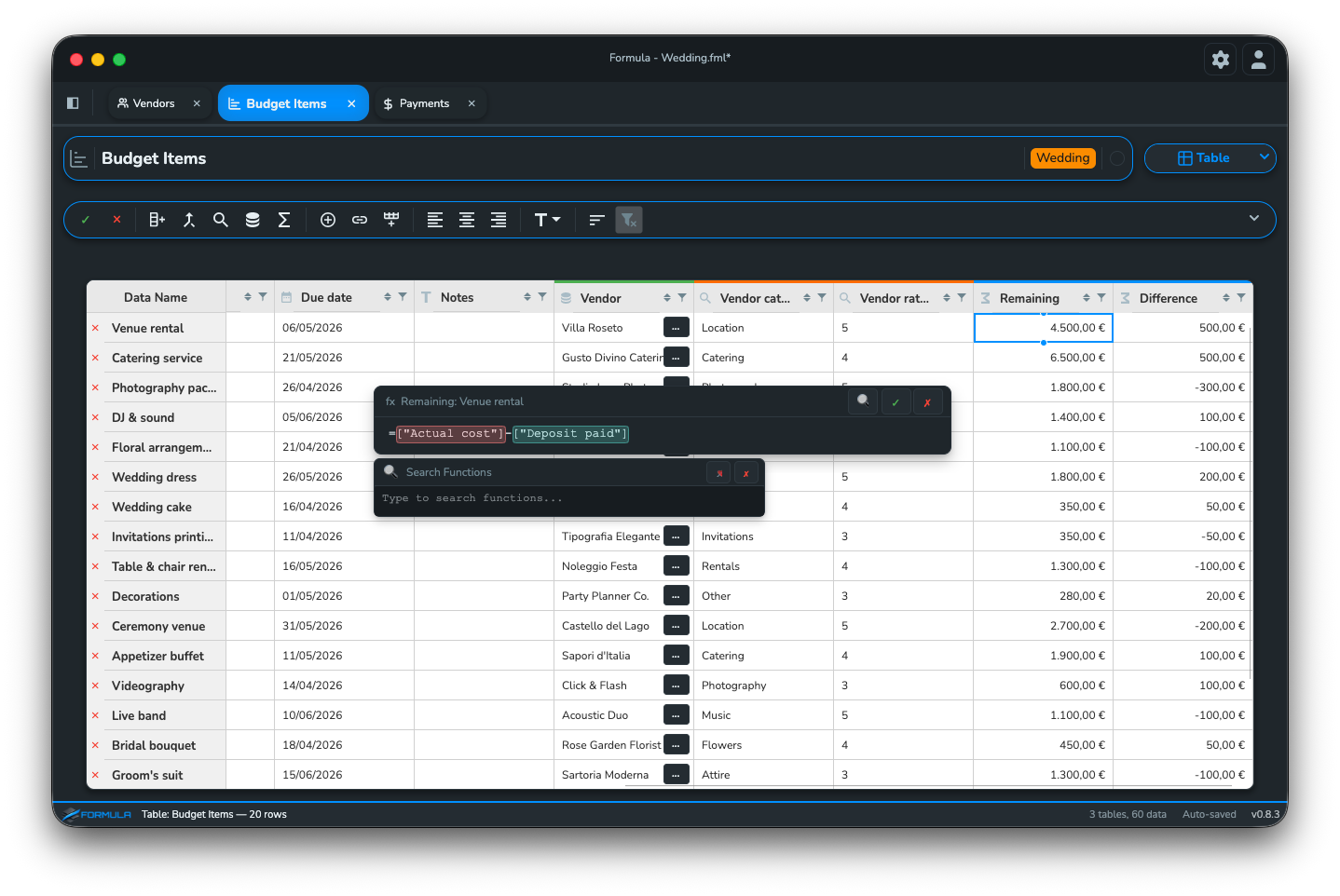
› Module 03 ∑Formula columns, cell formulas, and footer row formulas.
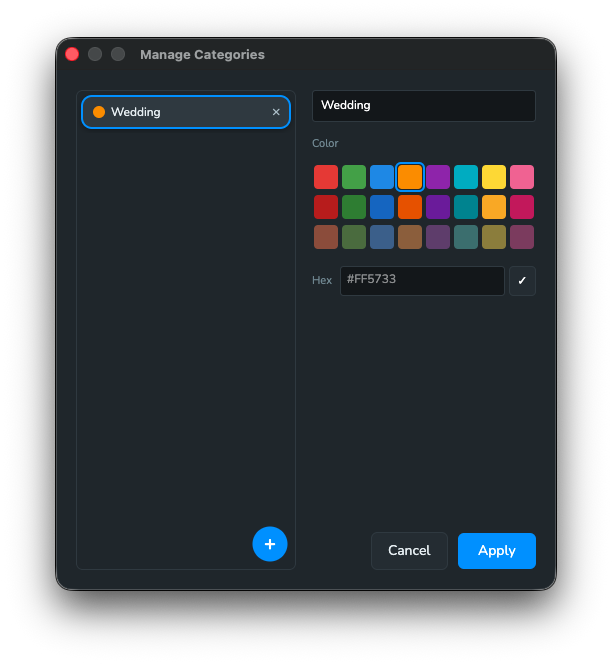
› Module 04 🏷Create categories, apply them to rows, and filter by category.
› Module 05 🔗Data connections, lookup columns, data columns, and joint columns.
Features
Download, log in, and discover the workspace. Everything you need to know before your first table.
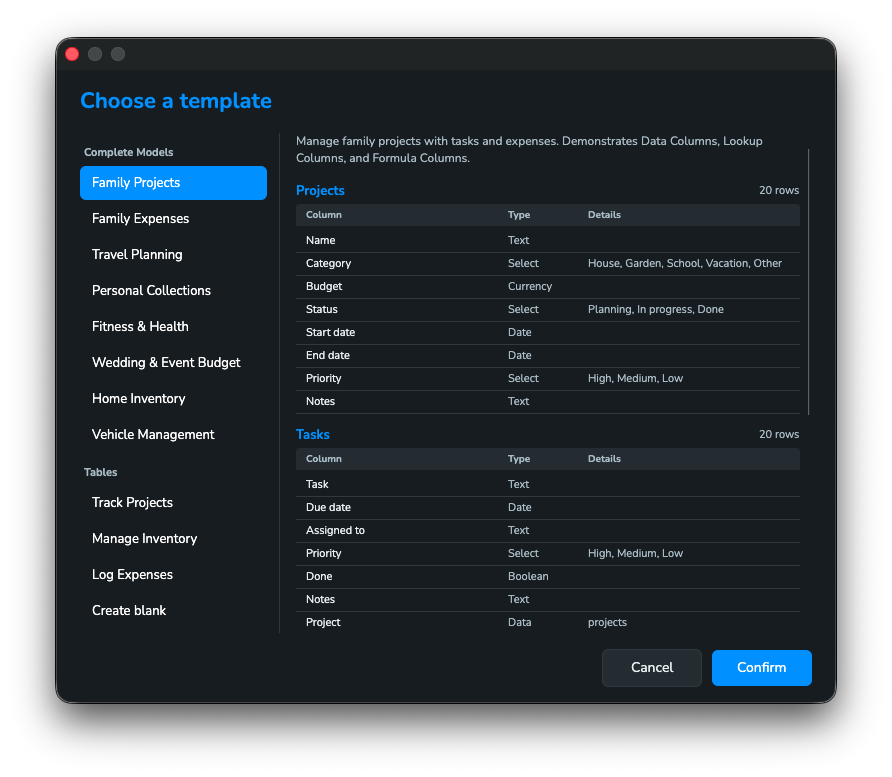
Explore module →Pick a template or start blank. Define identity fields, add columns, and use footer rows for instant summaries.
Explore module →Add formula columns that auto-calculate, write formulas in regular cells, or summarize entire columns with footer row formulas.
Explore module →Create custom categories, assign them to rows, and filter your tables instantly. Organize large datasets without breaking a sweat.
Explore module →Connect tables with Data columns, pull values with Lookup columns, and combine data with Joint columns. Change a value once — every linked table updates instantly.
Explore module →Every change is tracked. Jump back in time, restore earlier versions, or undo up to 200 actions per table.
Full bilingual support — 33 function names translated, UI labels, error messages. Switch instantly in settings.
Switch between dark and light themes instantly. Formula looks great under any lighting condition.
Your data lives in .fml files on your computer. No server, no cloud.
Free to start. 50% launch discount on all paid plans.
All plans available now
Free
50% off — first 6 months
Billed yearly — €96/year
50% off — first 6 months
Everything you need to know about Formula.
All your data is saved in a single local .fml file on your computer. No cloud servers, no internet connection required to save. You can back up, move, or share your file like any other document.
Yes. Formula works fully offline for your data, but an internet connection is required at startup to verify your license and manage your active session. This ensures only one device uses your license at a time.
Formulas let you run calculations and functions directly in your tables. If you need data from another table, you can import it as a column and use it in your calculations — keeping everything connected across your project.
